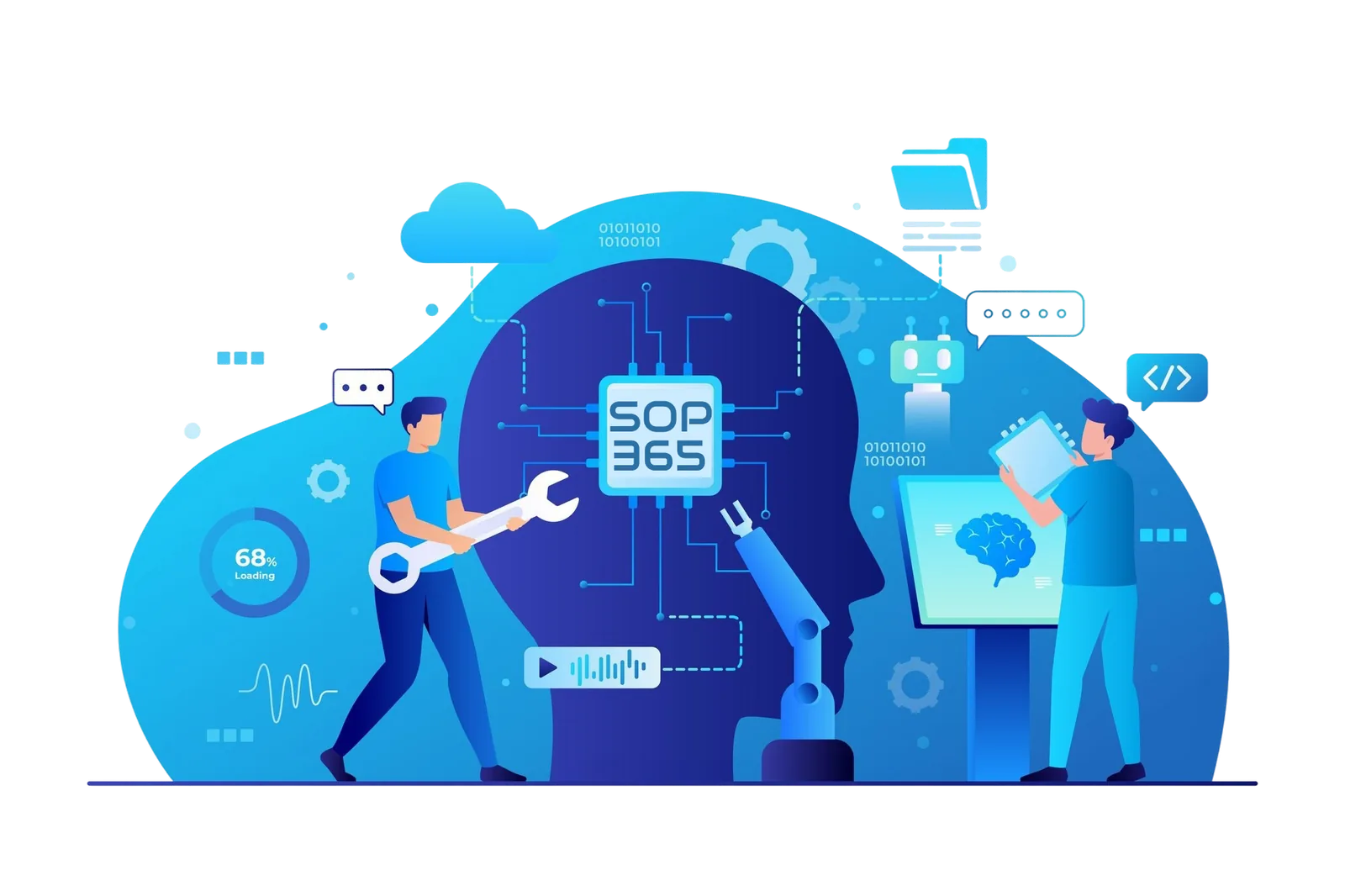
Video-to-SOP generation
Record on a phone or upload an existing video. SOP365 turns speech, actions and visual moments into an ordered procedure.

SOP365 covers the full procedure lifecycle in one workspace: AI-assisted creation from real work, controlled approvals and revisions, and training that reaches people where the work happens.
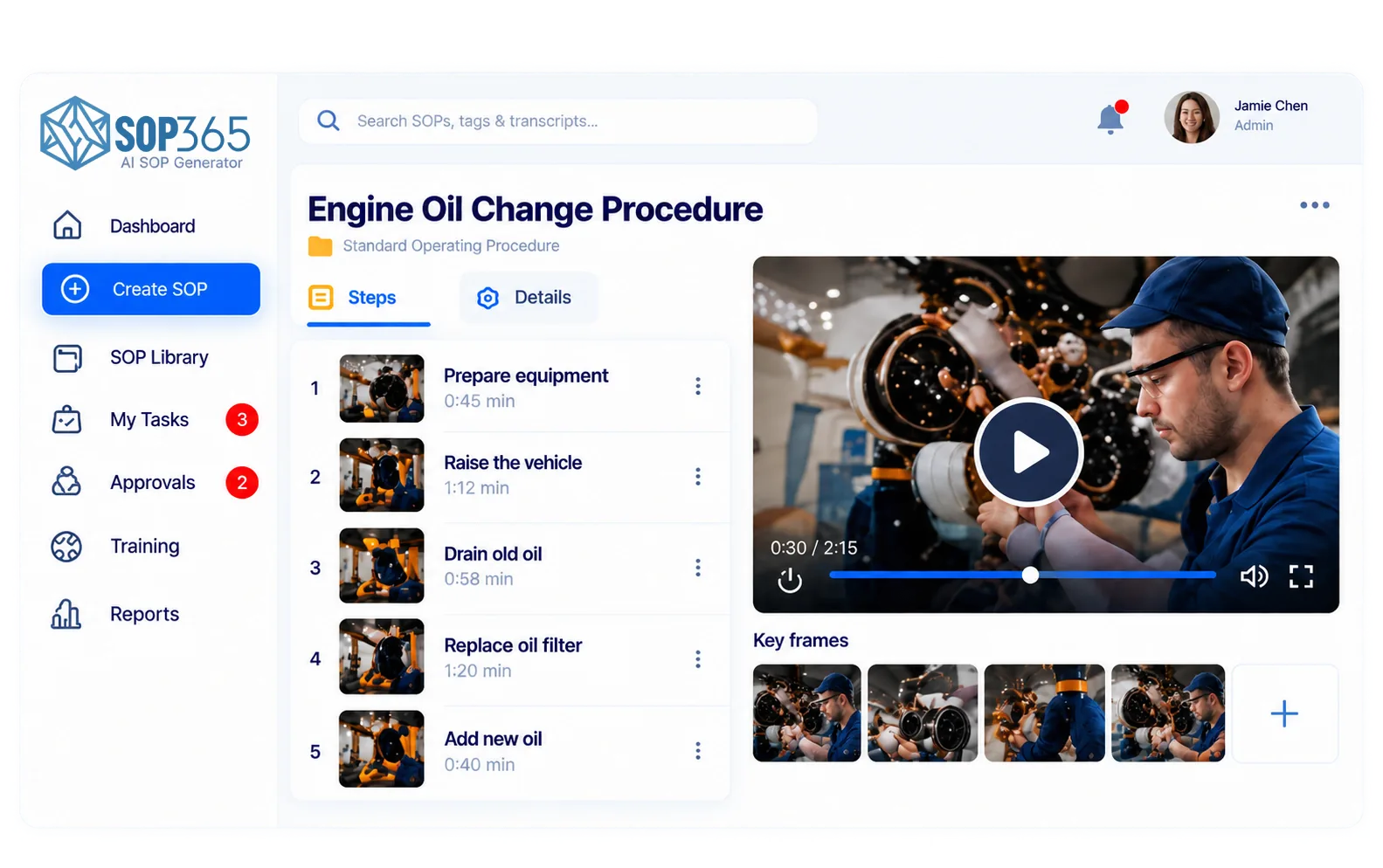
SOP365 is an AI SOP platform with three parts: Create (turn a process video into structured steps, screenshots, tools and warnings), Control (review and approval workflows, version history, roles and access) and Train & Share (web, mobile and QR access, training assignments, acknowledgements, search and reporting).
Capture the job once. SOP365 does the typing so supervisors can focus on accuracy.
Record on a phone or upload an existing video. SOP365 turns speech, actions and visual moments into an ordered procedure.
Each step gets a clear instruction and a screenshot taken from the right moment in your video.
Add PPE, tools, materials, hazards, cautions and prerequisites so every procedure follows the same structure.
Rewrite steps, reorder, swap screenshots and add notes. AI speeds up the draft; your team decides the final wording.
Start from content you already have instead of rewriting binders from scratch.
Every SOP follows the same layout, which makes procedures easier to read, audit and translate into training.
Clear ownership, approvals and traceable revisions across your organization.
Route drafts to the right reviewer. Procedures are published only after approval.
See what changed, when and by whom. Revise a procedure when equipment, tasks or risks change.
Decide who can create, review, approve and view procedures in each workspace.
Post a QR code at a machine, workstation or vehicle. Workers scan it and open the current approved version.
Assign procedures to people and keep a record that they have reviewed and acknowledged them.
Find any procedure in seconds and see how procedures are being used across the team.
SOP365 is designed around access control, traceability and responsible handling of business knowledge.
Permissions by role keep drafts, approvals and confidential procedures with the right people.
Approvals, revisions and acknowledgements leave a record you can produce for an auditor.
Workspaces are separated, and Business plans add advanced security and multiple workspaces.
Questions about security or data handling? Read the Privacy Policy or email [email protected] with "Security question" in the subject.
| Plan | Price (CAD) | Users | Highlights |
|---|---|---|---|
| Trial | $0 / month | 1 | AI SOP generation, video processing, core features |
| Team | $49 / month | Up to 10 | Advanced features, approvals and training, analytics and reporting |
| Business | $89 / month | Up to 50 | Advanced security, multiple workspaces, priority support |
| Enterprise | Custom | 100+ | Custom requirements, API and integrations, dedicated support |
No credit card is required for the trial. Compare plans.
Yes. You can record procedures on a phone, and workers can open approved SOPs on mobile through a web link or by scanning a QR code.
Yes. Every step, screenshot, warning and requirement is editable, and procedures are only published after someone on your team approves them.
Yes. SOP365 keeps version history so you can see what changed in a procedure, when, and who approved it.
Yes. You can assign procedures and record training and worker acknowledgements, which is useful for onboarding and audits.
Record a task on your phone and see what SOP365 creates for your team. No credit card required.